一、准备工作
1.1 规划
想要使用
SSH协议,正好使用metallb负载均衡器,分配一个虚拟 ip,正好和宿主机上的22端口不冲突。需要修改traefik的端口。
需要提前调整 worker 节点的内容和 CPU 4C8G.
1.2 暴露22端口
- 让 Traefik 的 LoadBalancer Service 多暴露一个
22端口
1 | vim traefik-values-with-ssh.yaml |
1 | # traefik-values-with-ssh.yaml |
- 更新 helm 的版本
1 | helm upgrade traefik traefik/traefik -n traefik -f traefik-values-with-ssh.yaml |
- 验证
1 | kubectl get svc -n traefik traefik |
二、创建资源清单文件
- 命名空间
1 | vim namespace.yaml |
1 | # namespace.yaml |
- PVC卷,数据卷、配置卷
1 | vim pvc.yaml |
1 | apiVersion: v1 |
- Deployment
1 | vim deployment.yaml |
1 | # deployment.yaml |
- Service
1 | vim service.yaml |
1 | # service.yaml |
- Ingress
1 | vim ingress.yaml |
1 | # ingress.yaml |
- IngressRouteTCP 透传
1 | vim ingressroutetcp.yaml |
1 | # ingressroutetcp.yaml |
三、创建资源
- 批量创建资源
1 | kubectl apply -f . |
四、验证
- 获取初始化密码
1 | kubectl exec -it deploy/gitlab -n gitlab -- cat /etc/gitlab/initial_root_password |
1 | root |
本博客所有文章除特别声明外,均采用 CC BY-NC-SA 4.0 许可协议。转载请注明来源 一世贪欢的私域!
相关推荐
2026-06-10
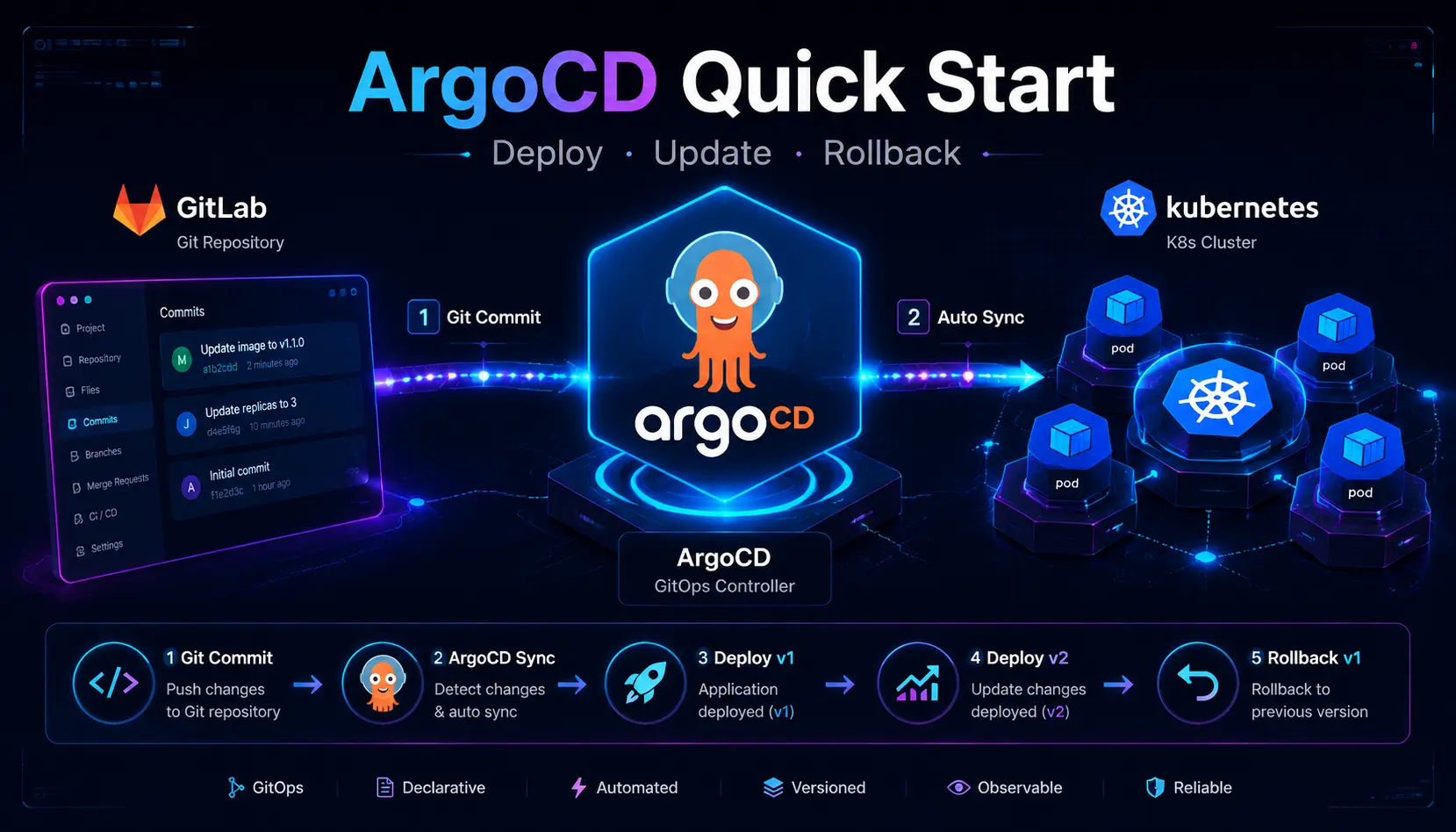
ArgoCD快速体验
一、环境准备 gitlab k8s traefik dnsmasq harbor argocd 概述: Argo CD 是一款 CD 工具,能轻松的将 Git 仓库中 yaml 资源文件轻松的部署到集群中。一个 Application 可以由多个 yaml 组成。 拉取仓库中的资源 部署到集群中 二、gitlab仓库 2.1 准备仓库 创建一个 argodemo 的仓库 manifests 目录下创建 svc.yaml、deployment.yaml、ingress.yaml 12mkdir -pv ArgoDemo/manifestscd ArgoDemo/manifests 1234567891011121314151617181920212223242526272829303132333435363738394041424344454647484950515253545556575859606162cat > deployment.yaml <<EOFapiVersion: apps/v1kind: Deploymentmetadata:...
2026-06-12
安装ArgoCD Rollouts
一、安装 仓库 1.1 安装argo-rollouts 创建命名空间 1kubectl create namespace argo-rollouts 下载 yaml 文件 1wget -O argo_rollouts_v1.9.0_install.yaml https://github.com/argoproj/argo-rollouts/releases/download/v1.9.0/install.yaml 代理 1wget -O argo_rollouts_v1.9.0_install.yaml https://g.bravexist.cn/https://github.com/argoproj/argo-rollouts/releases/download/v1.9.0/install.yaml 创建资源 1kubectl apply -n argo-rollouts -f argo_rollouts_v1.9.0_install.yaml 验证 1kubectl get all -n argo-rollouts 1.2 安装Kubectl 插件 ...
2026-06-07
安装helm
一、安装 Github 仓库 Github Release竟然没有编译好的包。 下载 1wget https://get.helm.sh/helm-v4.2.0-linux-amd64.tar.gz 解压 1tar xf helm-v4.2.0-linux-amd64.tar.gz 移动 1mv linux-amd64/helm /usr/local/bin 合并2、3 1tar xf helm-v4.2.0-linux-amd64.tar.gz -C /usr/local/bin --strip-components=1 linux-amd64/helm 验证 1helm version 自动补全 12helm completion bash >> ~/.bashrcsource ~/.bashrc 二、问题 2.1 helm 命令补全乱码 解决方案:安装 bash-completion 1dnf install -y bash-completion 安装完成后,需要让当前 shell 加载它: 1source /etc/profile.d...

2026-06-08
Traefik + cert-manager + 自签 CA 自动签发
目标:用你现有的 step PKI(root CA + intermediate CA),让集群里任何服务都能 自动获得 HTTPS 证书并自动续期。以后新增服务 = 复制一份 Ingress 即可。 准备环境,harbor、dnsmaqs 等。 一、安装 cert-manager 12345678910111213helm repo add jetstack https://charts.jetstack.iohelm repo update jetstack# 查最新版本(可选)helm search repo cert-manager --versions | headhelm install cert-manager jetstack/cert-manager \ --namespace cert-manager --create-namespace \ --version v1.20.2 \ --set crds.enabled=true # 注意:新版是 crds.enabled,不是旧的 installCRDs# 三个 pod 都 Run...
2026-06-08
部署argocd
一、安装 argocd-server 创建命名空间 1kubectl create namespace argocd 下载资源清单文件 非高可用安装(API server、controller、repo server、Redis 各 1) 1wget https://raw.githubusercontent.com/argoproj/argo-cd/v3.4.3/manifests/install.yaml 高可用安装(API server ×3、controller ×2(带选主)、repo server ×3、Redis 以 Sentinel 方式 ×3) 1wget https://raw.githubusercontent.com/argoproj/argo-cd/v3.4.3/manifests/ha/install.yaml 创建资源 1kubectl apply -n argocd --server-side --force-conflicts -f install.yaml 等待 Pod 都 Running 1watch kubectl ...
2026-05-05
Kubeadm部署k8s
一、介绍 kubeadm方式可以轻松安装K8s集群。 二、环境准备 2.1 规划 主机名 IP 系统版本 配置 K8S版本 CRI版本 k8s231 192.168.10.231 rocky 9.6 2C4G 1.36.0 2.2.3 k8s232 192.168.10.232 rocky 9.6 2C4G 1.36.0 2.2.3 k8s233 192.168.10.233 rocky 9.6 2C4G 1.36.0 2.2.3 2.2 基础设置 设置主机名 (分别在各节点执行) 123hostnamectl set-hostname k8s231hostnamectl set-hostname k8s232hostnamectl set-hostname k8s233 设置主机名解析 12345cat >> /etc/hosts << EOF192.168.10.231 k8s231192.168.10.232 k8s232192.168.10.233 k8s233EOF...
评论