AI 摘要
在 Rocky Linux 9 上部署 Rancher,通过安装 k3s、helm、cert-manager 及 Rancher 完成,避开 docker-compose 启动失败问题,并配置 Harbor 代理与自签名 CA。
本来想 docker-compose 一键启动的,不过
Rocky9.6,Rocky9.7一直不能成功。(WSL能成功,但是不想额外解决网络的问题。)
一、安装k3s
- 关防火墙(超级重要)
1 | systemctl disable --now firewalld.service |
- 安装
k3s集群
1 | curl -sfL https://get.k3s.io | sh -s - --write-kubeconfig-mode 644 |
- 验证
1 | export KUBECONFIG=/etc/rancher/k3s/k3s.yaml |
- 卸载(不需要的时候可以删除)
1 | /usr/local/bin/k3s-uninstall.sh |
二、安装helm
- 安装
helm
1 | curl -fsSL -o get_helm.sh https://g.bravexist.cn/https://raw.githubusercontent.com/helm/helm/main/scripts/get-helm-3 |
- 配置
harbor代理,(Harbor 已 配置Dockerhub、quayio)
注意: 记得安装自签名的 CA 证书。
1 | vim /etc/rancher/k3s/registries.yaml |
1 | mirrors: |
- 重启
1 | systemctl restart k3s |
三、安装cert-manager
Rancher 用它管 TLS 证书,必装
- 安装
1 | helm repo add jetstack https://charts.jetstack.io |
- 卸载
1 | kubectl get ns cert-manager -o json \ |
四、安装 Rancher
- 获取机器的 ip
1 | node_ip=$(hostname -I | awk '{print $1}') |
- 安装
1 | helm repo add rancher-stable https://releases.rancher.com/server-charts/stable |
- 访问
1 | https://<你的IP>.sslip.io |
本博客所有文章除特别声明外,均采用 CC BY-NC-SA 4.0 许可协议。转载请注明来源 一世贪欢的私域!
相关推荐
2026-06-11
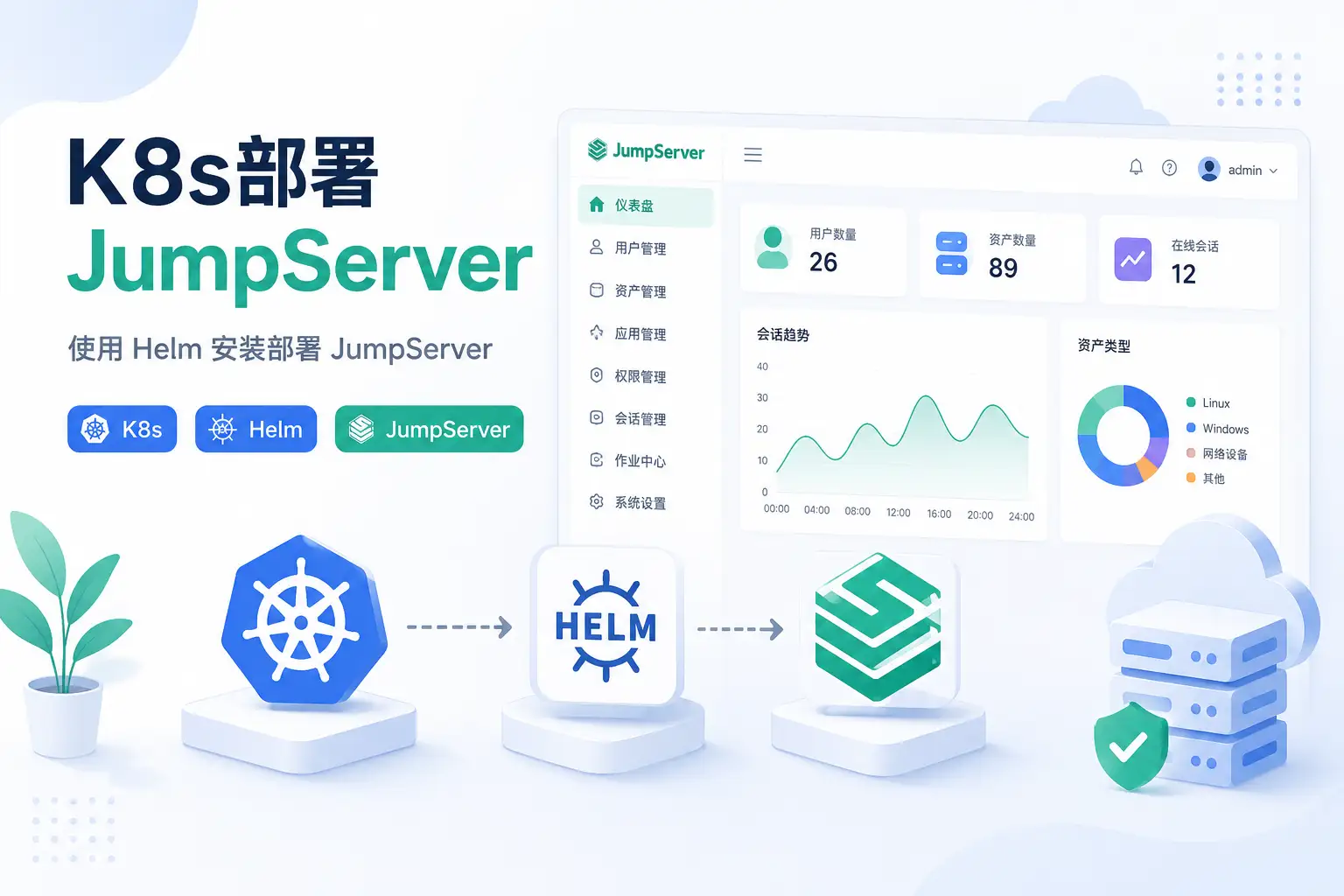
K8s部署jumpserver
用Helm在Kubernetes上部署JumpServer,给出两种方案:集成集群内PostgreSQL/Redis,或对接外部数据库。涵盖Traefik配置、22/2222端口暴露、cert-manager证书、域名路由和SSH验证,并解决首次登录接码死循环问题。
2026-06-08
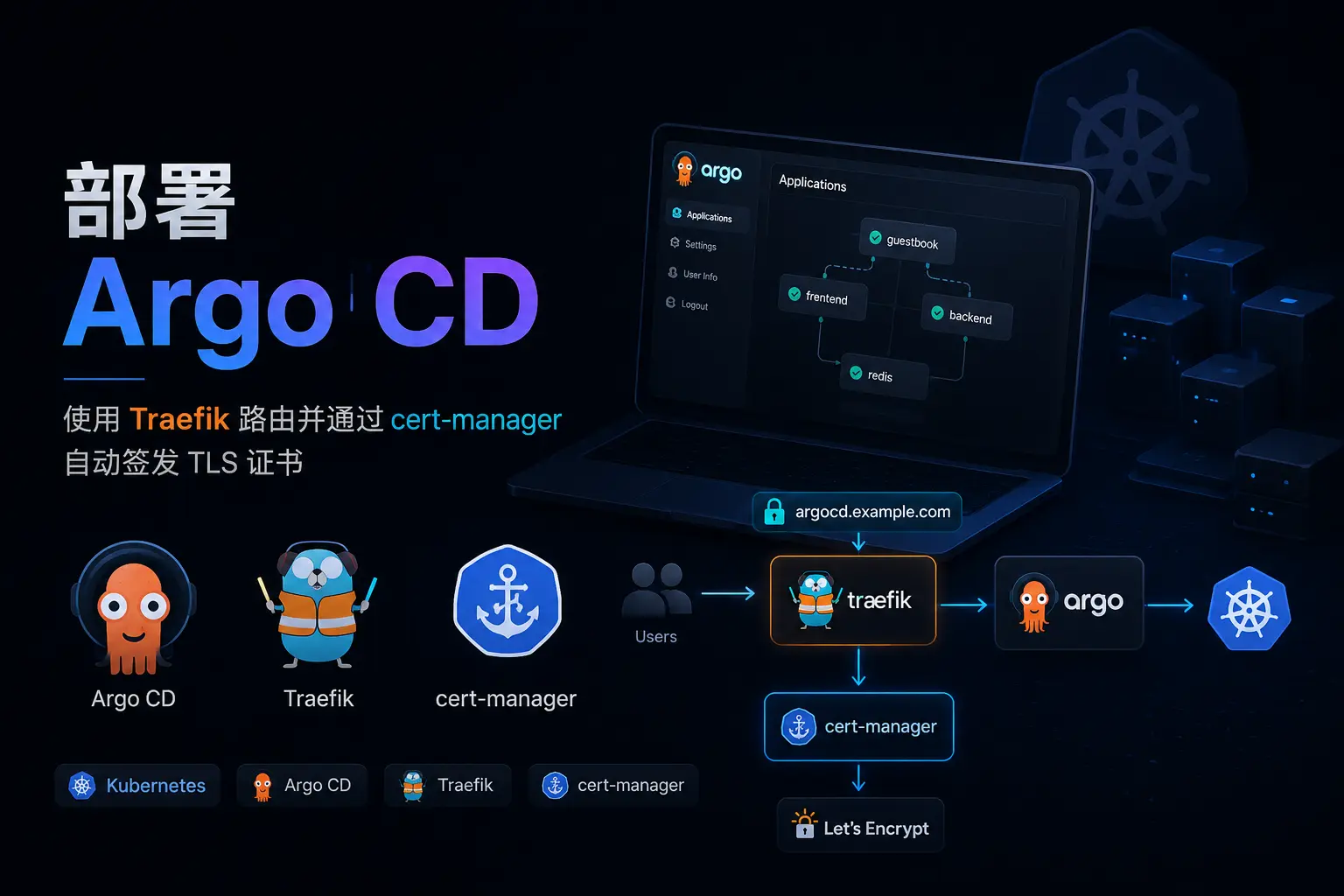
部署argocd
部署ArgoCD,使用Helm或资源清单安装argocd-server,配置insecure模式让Traefik接管TLS解决证书问题,并安装argocd-cli,用gRPC-web方式登录。
2026-06-07
安装helm
安装 Helm 的步骤与命令补全乱码解决方案,涵盖仓库管理、Chart 安装/升级/回滚/卸载、渲染调试、依赖管理、OCI 仓库及典型工作流,并讲解 Charts、Release 等核心概念与 Artifact Hub 用法。

2026-06-08
k8s部署gitlab
在Kubernetes集群中,使用Metallb、Traefik和Helm部署GitLab,暴露22端口实现SSH协议,创建命名空间、PVC、Deployment、Service、Ingress及IngressRouteTCP资源,完成验证并获取初始化密码。

2026-06-07
helm部署MetalLB
使用 Helm 在裸机 Kubernetes 集群部署 MetalLB,开启 kube-proxy 的 strictARP,安装 MetalLB 并配置 IP 地址池,实现 LoadBalancer 类型服务获取虚拟 IP 并转发至 ingress,避免占用宿主机端口。
2026-06-02
Harbor安装使用
文章讲述Harbor的安装与使用,重点解析自签名证书体系(CA、SAN、客户端信任),涵盖配置安装、镜像推送拉取、代理缓存(Docker Hub等)、k3s/k8s客户端配置及systemd自动重启。
评论