AI 摘要
将curl手册整理为速查表,涵盖-v、-s、-o、-i、-I、-H、-A、-u、-x、-X、-L等参数用法,并给出组合调试、静默下载、模拟浏览器POST、通过代理请求等实际操作示例。
curl 使用手册
示例站点:
https://www.bravexist.cn
目录
-v详细输出-s静默模式-o输出到文件-i显示响应头-I只看响应头-H自定义请求头-A设置 User-Agent-u身份认证-x使用代理-X指定请求方法-L跟随重定向- 组合用法
-v / --verbose
显示完整的请求与响应过程,包括 TLS 握手、请求头、响应头,适合调试。
1 | curl -v https://www.bravexist.cn |
输出示例(节选):
1 | * Trying 104.21.xx.xx:443... |
>表示发出的请求,<表示收到的响应,*是 curl 自身的信息。
-s / --silent
静默模式,不显示进度条和错误信息。常用于脚本中,避免多余输出。
1 | curl -s https://www.bravexist.cn |
单独使用 -s 时若请求失败不会有任何提示,建议配合 -S 一起用,保留错误输出:
1 | curl -sS https://www.bravexist.cn |
-o / --output
将响应体保存到文件,而不是打印到终端。
1 | curl -o index.html https://www.bravexist.cn |
配合 -s 使用,静默下载:
1 | curl -s -o index.html https://www.bravexist.cn |
下载文件并保留原始文件名(用 -O 大写):
1 | curl -O https://www.bravexist.cn/logo.png |
-i / --include
同时显示响应头和响应体。适合查看 Set-Cookie、Content-Type 等信息。
1 | curl -i https://www.bravexist.cn |
输出示例:
1 | HTTP/2 200 |
-I / --head
只发送 HEAD 请求,只看响应头,不下载响应体。适合快速检查状态码、内容类型、服务器信息等。
1 | curl -I https://www.bravexist.cn |
输出示例:
1 | HTTP/2 200 |
-H / --header
添加自定义请求头,可多次使用来添加多个头。
1 | # 指定 Accept 类型 |
常见用途:
| 场景 | 示例 |
|---|---|
| 模拟 AJAX 请求 | -H "X-Requested-With: XMLHttpRequest" |
| 指定语言 | -H "Accept-Language: zh-CN,zh;q=0.9" |
| 携带 Token | -H "Authorization: Bearer eyJhbGci..." |
| 设置来源 | -H "Referer: https://www.bravexist.cn" |
-A / --user-agent
设置 User-Agent 字符串,模拟不同的浏览器或客户端。
1 | # 模拟 Chrome 浏览器 |
默认 User-Agent 是
curl/版本号,某些网站会拦截它。
-u / --user
设置 HTTP 基本认证,格式为 用户名:密码。
1 | curl -u admin:password123 https://www.bravexist.cn/admin |
会自动在请求头中加上:
1 | Authorization: Basic YWRtaW46cGFzc3dvcmQxMjM= |
密码以 Base64 编码传输,不是加密,务必配合 HTTPS 使用。
-x / --proxy
通过代理服务器发送请求,支持 HTTP、HTTPS、SOCKS5 代理。
1 | # HTTP 代理 |
也可以通过环境变量设置,对所有 curl 命令生效:
1 | export https_proxy=http://127.0.0.1:7890 |
-X / --request
指定 HTTP 请求方法,默认是 GET。
1 | # GET(默认,可省略) |
使用
-d发送数据时,curl 会自动将方法改为 POST,可省略-X POST。
-L / --location
自动跟随 HTTP 重定向(301、302 等)。默认情况下 curl 不会跟随跳转。
1 | # 不加 -L,停在重定向处 |
查看经历了哪些跳转(配合 -v):
1 | curl -Lv https://bravexist.cn 2>&1 | grep -E "^[<>*]|Location" |
限制最大重定向次数(默认 30 次):
1 | curl -L --max-redirs 5 https://www.bravexist.cn |
组合用法
调试请求,不保留响应体
1 | curl -vs -o /dev/null https://www.bravexist.cn |
静默下载并跟随重定向
1 | curl -sLo page.html https://bravexist.cn |
模拟浏览器发送 POST
1 | curl -s -X POST \ |
通过代理请求,显示响应头
1 | curl -iL -x http://127.0.0.1:7890 https://www.bravexist.cn |
检查网站是否可达(只看状态码)
1 | curl -sLo /dev/null -w "%{http_code}" https://www.bravexist.cn |
输出示例:200
常用 -w 输出格式变量
1 | curl -sLo /dev/null -w "状态码: %{http_code}\n响应时间: %{time_total}s\n" \ |
速查表
| 参数 | 全称 | 作用 |
|---|---|---|
-v |
--verbose |
显示详细请求/响应过程 |
-s |
--silent |
静默,不显示进度和错误 |
-S |
--show-error |
与 -s 配合,保留错误输出 |
-o |
--output <file> |
输出到指定文件 |
-O |
--remote-name |
以远程文件名保存 |
-i |
--include |
显示响应头 + 响应体 |
-I |
--head |
只发 HEAD 请求 |
-H |
--header <header> |
添加请求头 |
-A |
--user-agent <ua> |
设置 User-Agent |
-u |
--user <user:pass> |
HTTP 基本认证 |
-x |
--proxy <url> |
使用代理 |
-X |
--request <method> |
指定请求方法 |
-L |
--location |
跟随重定向 |
-d |
--data <data> |
发送请求体数据 |
-w |
--write-out <fmt> |
自定义输出格式 |
本博客所有文章除特别声明外,均采用 CC BY-NC-SA 4.0 许可协议。转载请注明来源 一世贪欢的私域!
相关推荐
2026-06-26
k8s 命令手册
整理了Kubernetes常用命令,涵盖Node、Pod的创建、查看、日志、文件拷贝、命令执行和标签管理等基础操作,方便快速查阅和运维。

2026-06-07
helm部署MetalLB
使用 Helm 在裸机 Kubernetes 集群部署 MetalLB,开启 kube-proxy 的 strictARP,安装 MetalLB 并配置 IP 地址池,实现 LoadBalancer 类型服务获取虚拟 IP 并转发至 ingress,避免占用宿主机端口。
2026-05-05
Docker基础操作
整合Docker安装、镜像与容器管理、Dockerfile构建、网络与数据持久化、Compose编排、私有仓库registry及Harbor部署、Web-UI等基础操作,解决从零上手Docker的常见问题。
2026-09-21
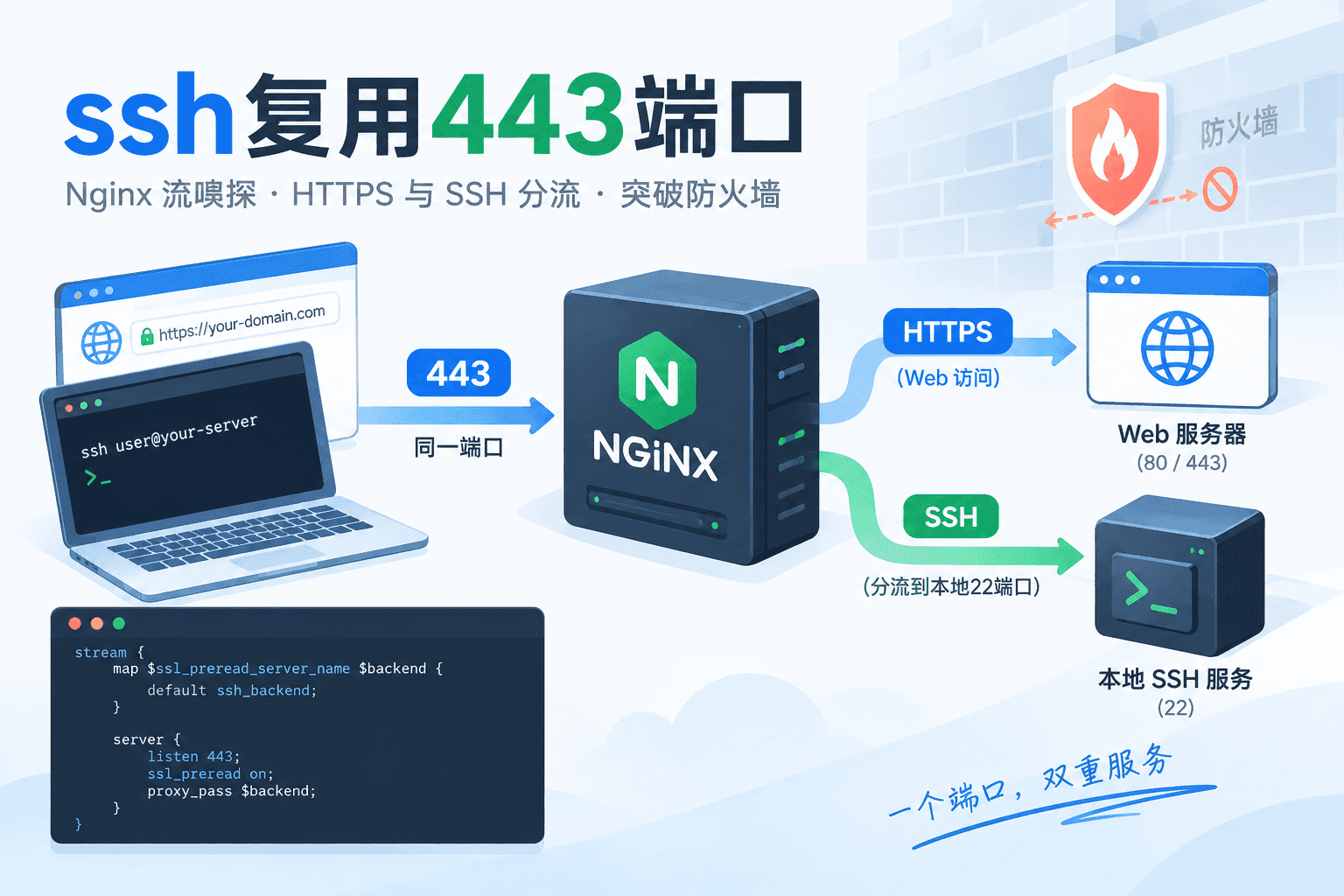
ssh复用443端口
利用 nginx 流嗅探能力,将 443 端口的 SSH 流量与 HTTPS 流量分流,SSH 请求转发至本地 22 端口,Web 请求保持正常网站服务,实现 SSH 复用 443 端口穿透防火墙。给出具体配置与验证命令。

2026-06-06
Git学习
整理了Git的安装、基础配置、本地仓库(暂存区、提交、回退、分支、标签)和远程仓库(克隆、推送、绑定)的常用命令,以及.gitignore排除文件,解决日常开发中Git命令检索与高效使用的问题。

2026-05-05
Windows10 LTSC
Windows10 LTSC 重装后的基础设置指南,涵盖系统激活、桌面与资源管理器配置、微软商店及 PowerShell 部署,并详细说明 Scoop 包管理器的安装、仓库添加与软件更新,最后列出常用软件及代理脚本配置。
评论