AI 摘要
讲解如何安装zsh及oh-my-zsh,包括切换shell、安装主题、自动补全插件zsh-autosuggestions和语法高亮插件zsh-syntax-highlighting,并配置自定义设置。
一、安装
- 安装切换
shell的工具、zsh
1 | sudo dnf install -y util-linux-user zsh |
- 切换
zsh
1 | chsh -s $(which zsh) |
二、oh-my-zsh
-
安装
curl
1 | sh -c "$(curl -fsSL https://raw.githubusercontent.com/ohmyzsh/ohmyzsh/master/tools/install.sh)" |
wget
1 | sh -c "$(wget https://raw.githubusercontent.com/ohmyzsh/ohmyzsh/master/tools/install.sh -O -)" |
- 安装主题
1 | git clone https://github.com/romkatv/powerlevel10k.git $ZSH_CUSTOM/themes/powerlevel10k |
- 安装插件
- zsh-autosuggestions自动补全插件
1 | git clone https://github.com/zsh-users/zsh-autosuggestions ${ZSH_CUSTOM:-~/.oh-my-zsh/custom}/plugins/zsh-autosuggestions |
- zsh-syntax-highlighting语法高亮插件
1 | git clone https://github.com/zsh-users/zsh-syntax-highlighting.git ${ZSH_CUSTOM:-~/.oh-my-zsh/custom}/plugins/zsh-syntax-highlighting |
- 启用主题和插件
1 | # 启用主题 |
- 配置自定义的设置
1 | p10k configure |
会一次问一堆问题:
- 能否看到某个图形
- 选择某种样式
- …
本博客所有文章除特别声明外,均采用 CC BY-NC-SA 4.0 许可协议。转载请注明来源 一世贪欢的私域!
相关推荐
2026-05-05
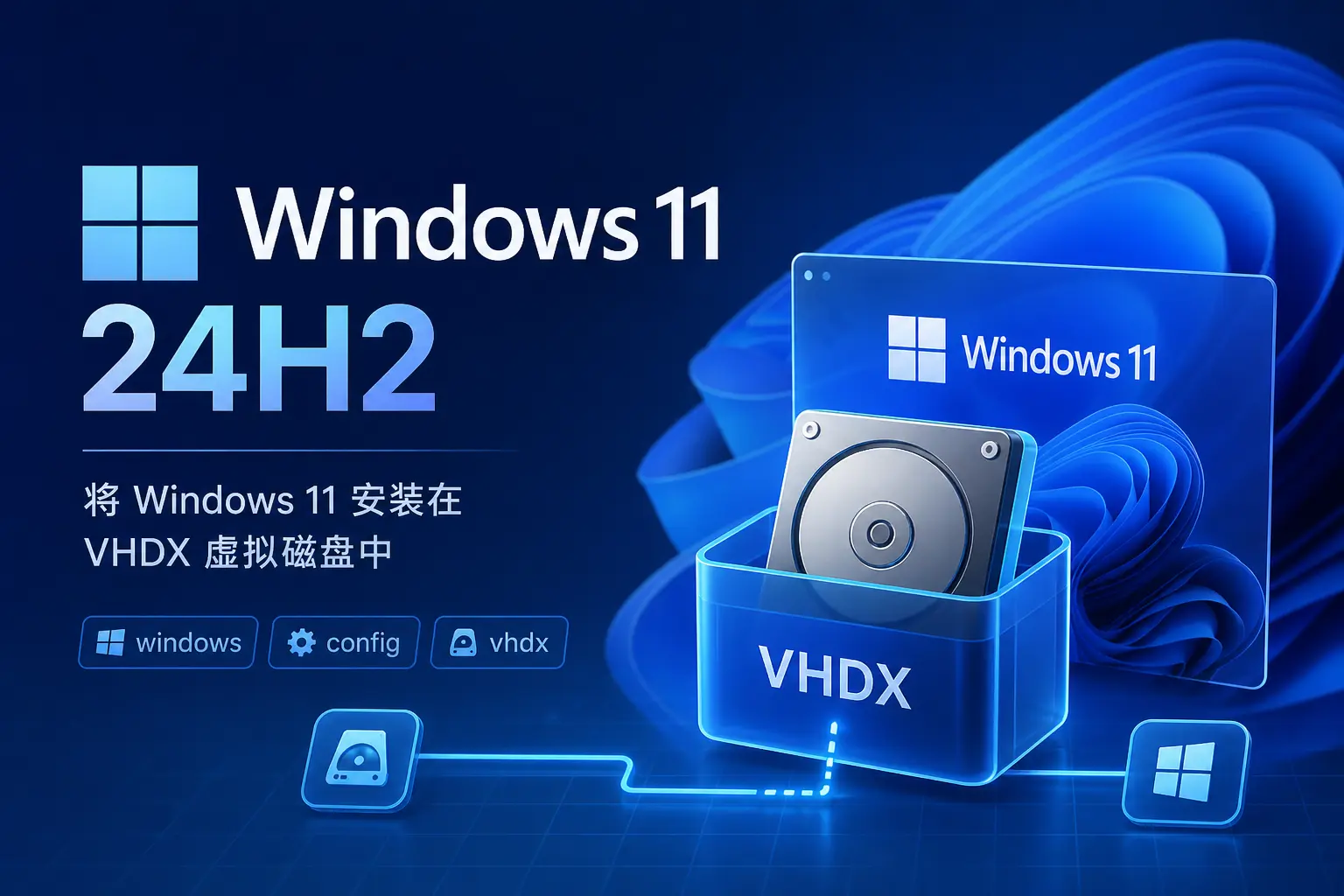
Windows11-24H2
在虚拟磁盘(VHDX)上安装Windows11 24H2,包括磁盘管理创建动态VHDX、挂载安装,随后进行系统初始化(桌面图标、文件夹选项、家目录路径等),并配置scoop包管理器,涉及PowerShell远程权限、环境变量设置及软件复用。
2026-05-05
Windows10 LTSC
Windows10 LTSC 重装后的基础设置指南,涵盖系统激活、桌面与资源管理器配置、微软商店及 PowerShell 部署,并详细说明 Scoop 包管理器的安装、仓库添加与软件更新,最后列出常用软件及代理脚本配置。
2026-05-05
CentOS-7
CentOS-7系统初始化配置:含Base/EPEL源脚本、修改IP与主机名、刷新公钥、安装必备软件包、命令行配色、关闭防火墙和SELinux、SSH反向解析、历史命令优化、命令别名、VIMRC文件头设置及Docker打包。
2026-06-08
NFS服务的安装及使用
在Linux系统间通过NFS共享目录,依赖RPC(rpcbind)通信。服务端创建共享目录并配置/etc/exports,客户端挂载使用,并可通过autofs实现按需自动挂载。
2026-09-24
K8s安装metrics-server服务
K8s安装metrics-server时,下载官方yaml后需修改启动参数,否则服务无法就绪。文章演示了编辑配置、创建资源,并验证node与pod状态的方法。
2026-08-24
Rocky9部署gitlab-ce
在Rocky9上使用YUM源安装GitLab社区版,配置自签名HTTPS证书,并实现备份恢复与密码管理。
评论